- Swift 90.5%
- Tcl 8.3%
- Python 0.4%
- JavaScript 0.3%
- Shell 0.3%
| .github | ||
| DcAppClip | ||
| DcCore | ||
| DcNotificationService | ||
| DcShare | ||
| DcTests | ||
| DcWidget | ||
| deltachat-ios | ||
| deltachat-ios.xcodeproj | ||
| deltachat-ios.xcworkspace | ||
| docs | ||
| scripts | ||
| .gitattributes | ||
| .gitignore | ||
| .gitmodules | ||
| .swiftformat | ||
| .swiftlint.yml | ||
| CHANGELOG.md | ||
| CONTRIBUTING.md | ||
| LICENSE.md | ||
| Podfile | ||
| Podfile.lock | ||
| PrivacyInfo.xcprivacy | ||
| README.md | ||
| RELEASE.md | ||
| rust-toolchain | ||
| TESTING.md | ||

Delta Chat iOS Client
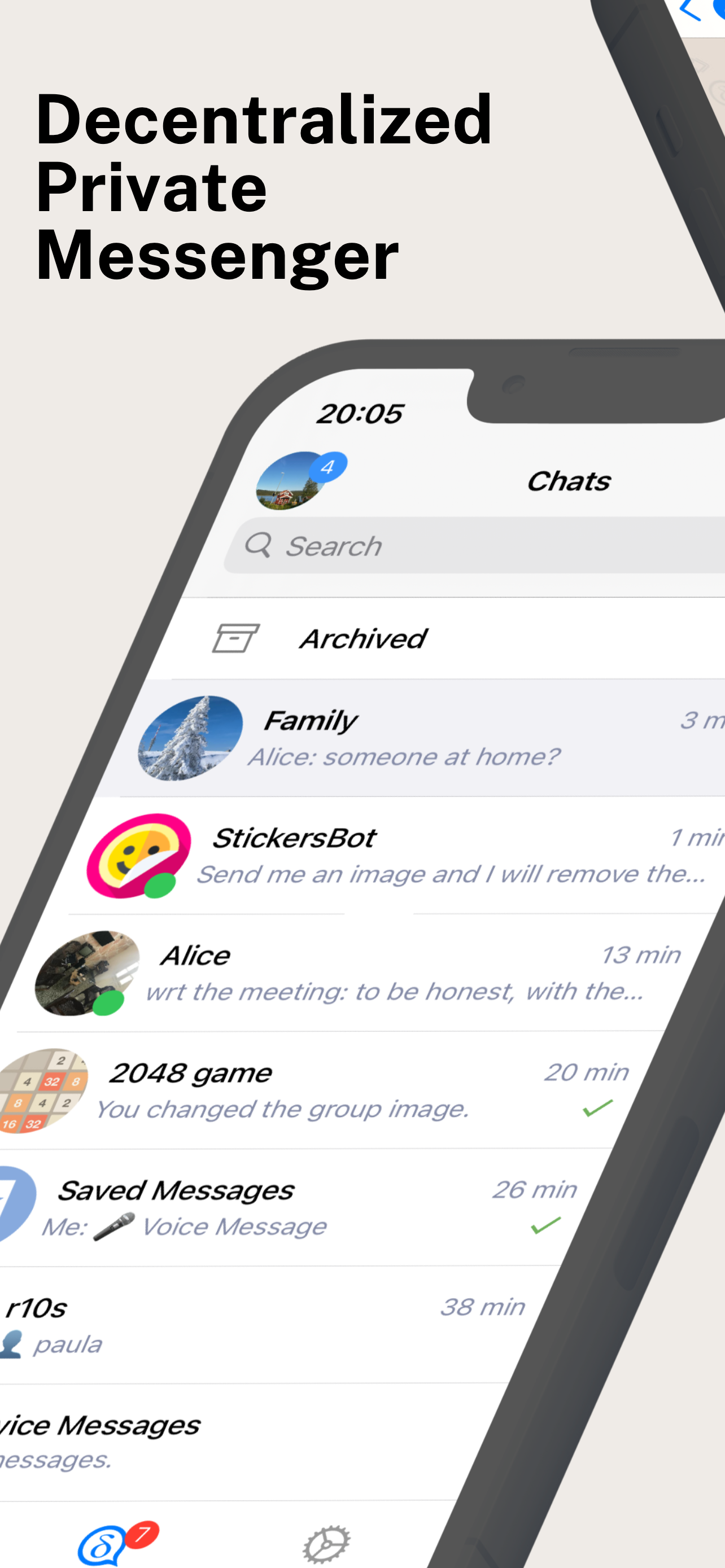
This is the iOS client for Delta Chat. It is available on Testflight and in the App Store.
For the core library and other common info, please refer to the Delta Chat Core Library.
For general contribution hints, please refer to CONTRIBUTING.md.
Testing
Betas are distributed via Testflight. Just scan this QR code with the camera app of your iPhone/iPad
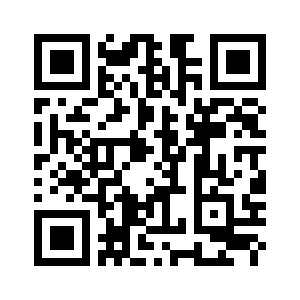
or open this link
https://testflight.apple.com/join/uEMc1NxS
on your iPhone or iPad to try Deltachat iOS Beta.
Check the Changelog (for TestFlight builds) at the bottom to see what's included.
How to build with Xcode
Install rustup
curl --proto '=https' --tlsv1.2 -sSf https://sh.rustup.rs | sh
Install cargo-lipo
cargo install cargo-lipo
Install CocoaPods
brew install cocoapods
Note: This is not the recommended way to install CocoaPods but the easiest.
Setup workspace
git clone git@github.com:deltachat/deltachat-ios.git
cd deltachat-ios
git submodule update --init --recursive
# Make sure the correct rust version is installed
rustup toolchain install `cat rust-toolchain`
pod install
To run the project, open deltachat-ios.xcworkspace (not the 'xcodeproj' file).
open deltachat-ios.xcworkspace
This should open Xcode. Then make sure to select the deltachat-ios scheme at the top left (see screenshot below).

Now build and run - e.g. by pressing Cmd-r - or click on the triangle at the top:

If you're on MacOS Mojave and Xcode complains about missing header files (different mac versions may or may not install all headers), you can force-install them with the following command:
$ sudo installer -pkg /Library/Developer/CommandLineTools/Packages/macOS_SDK_headers_for_macOS_10.14.pkg -target /
If you get an error about that file not existing, you probably simply don't have the Xcode command line tools installed which can be remedied simply as follows:
$ xcode-select --install
On MacOS Catalina the include paths changed, /usr/include doesn't exist anymore.
You'll need to manually set the CPATH variable to specify the location of the header files:
export CPATH=/Applications/Xcode.app/Contents/Developer/Platforms/MacOSX.platform/Developer/SDKs/MacOSX.sdk/usr/include
Note: the default terminal switched to zsh on MacOS Catalina. All your exported variables have to move to ~/.zshrc
Running the app on M1 Mac computers
If you want to import/export a backup this is the location you want to put it (import) or retrieve it (export)
~/Library/Containers/98CC2CD0-7DED-4E02-9C0A-B4FF287AA877/Data/Documents
LICENSE
Copyright © Delta Chat contributors, for licensing see LICENSE.md